# Selecting - Word Highlighter
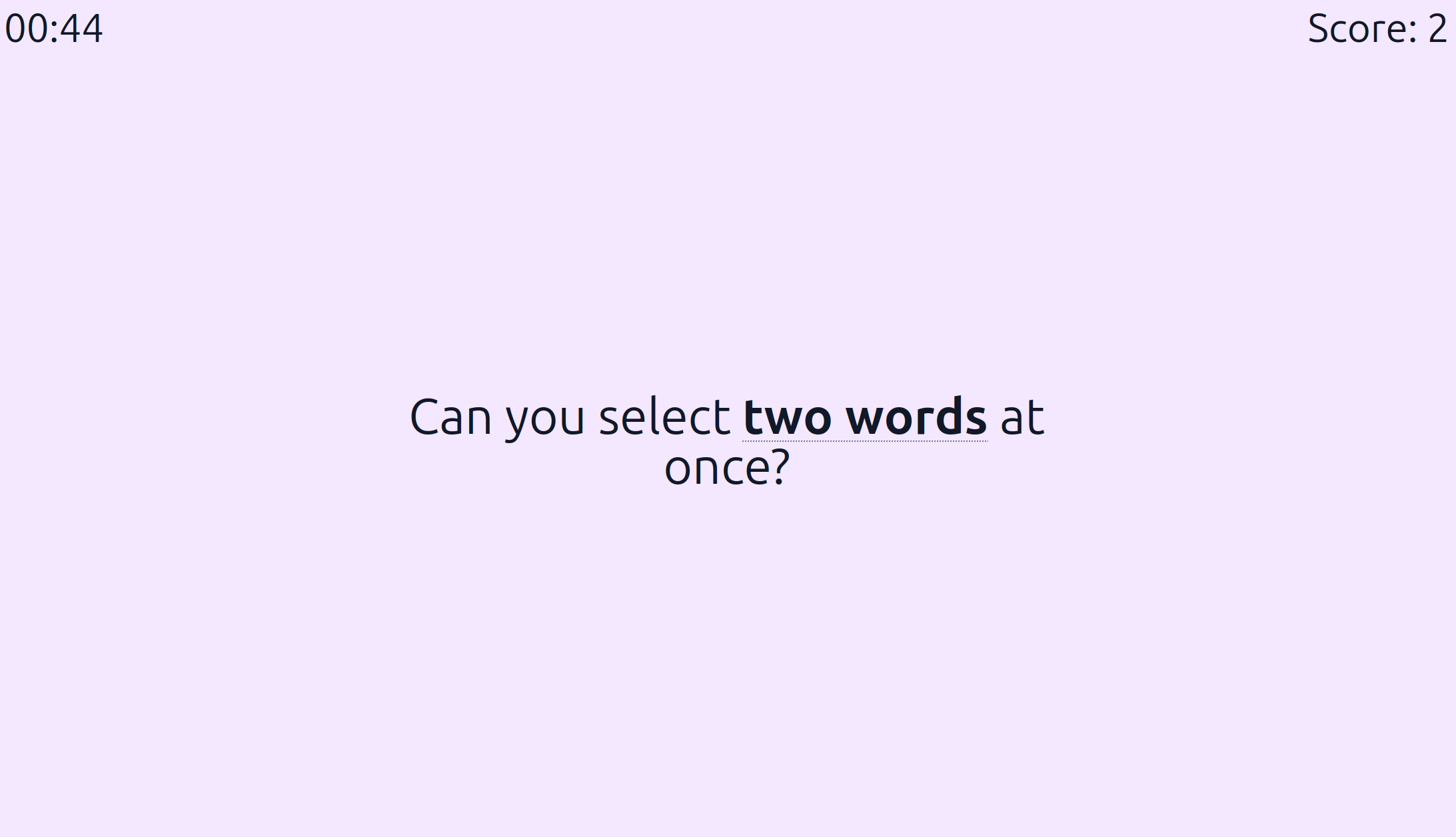
The goal of Word Selector (opens new window) is to select the bold words shown by clicking and dragging across the text.
# Customize
You can customize various game settings by adding parameters to the end of the URL.
# Link generator
The easiest approach is to use the link generator (opens new window) to create your URL. Customize the parameters on the form, click "Share link", and copy the generated URL to play the game with your settings.
# Build URL manually
You can also manually customize the URL by adding various parameters to the end after a #.
Each setting is specified in the format settingName=settingValue. For example, you could append timeLimit=120 to set the time limit to 120 seconds:
https://mouse.techlit.tools/select#timeLimit=120
Separate multiple parameters with an &. For example, this URL changes the time limit and shows a "play again" button after the game ends:
https://mouse.techlit.tools/select#timeLimit=120&showPlayAgain=true
Below is a list of all available parameters. If you leave a parameter off of the URL, the game will use the default value.